Remote Software Development: Best Practices for Businesses
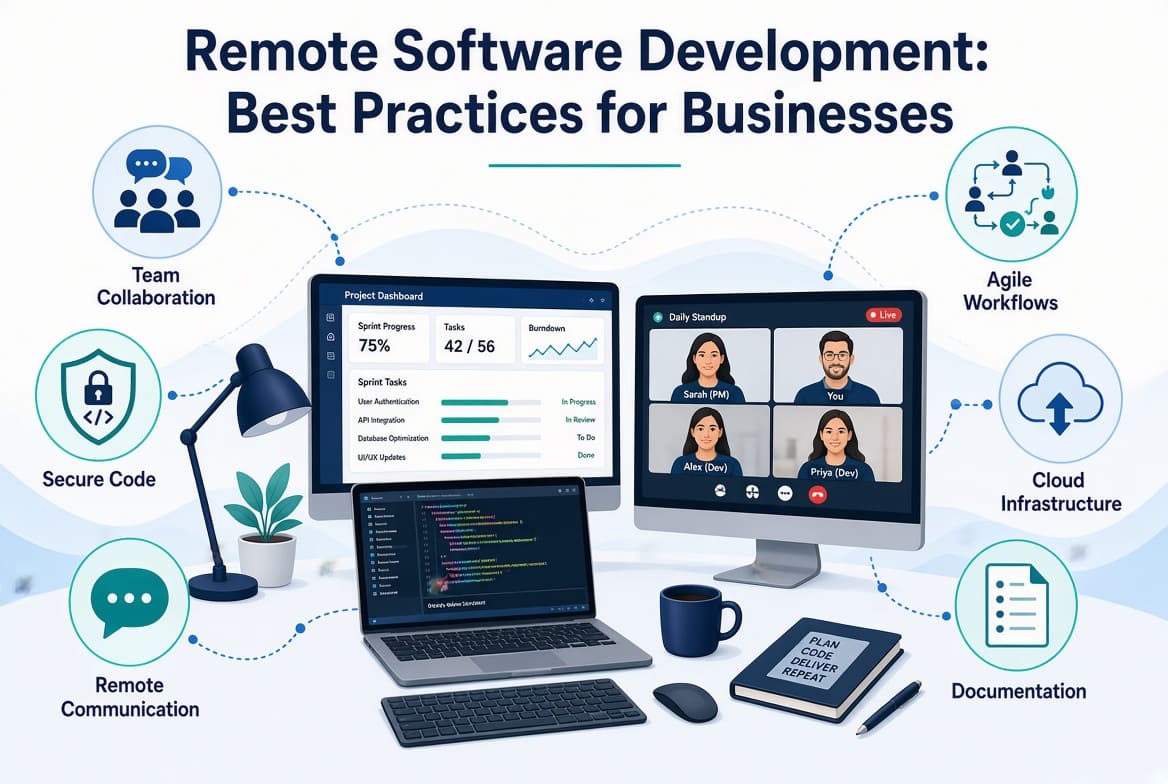
Remote software development gives businesses access to developers beyond their local hiring market, but hiring people in different locations does not automatically create an effective development team.
The difference between a remote development project that runs smoothly and one that constantly misses deadlines usually has less to do with where developers sit and more to do with how the work is organized.
Developers need clear requirements. Managers need visibility. Clients need predictable communication. Everyone needs to understand who owns what, where decisions are recorded, and what happens when something goes wrong.
This is why businesses need a deliberate approach to remote software development.
The following practices can help companies build remote development teams that are productive, accountable, secure, and easier to manage.
1. Define the Project Before Development Begins
One of the most expensive mistakes a business can make is starting development before deciding what it actually wants built.
Before the first developer starts coding, document:
- Business objectives
- Target users
- Core features
- Technical requirements
- Integrations
- Security requirements
- Budget
- Expected milestones
- Launch requirements
- Success criteria
You do not need to predict every detail.
You do need enough clarity for developers to understand what problem they are solving.
A developer should never have to guess whether a feature is important simply because the client mentioned it in a meeting three weeks ago.
2. Build a Single Source of Truth
Remote teams cannot depend on hallway conversations.
Important information should have a clear home.
For example:
- Project requirements → project documentation
- Tasks → project management system
- Source code → Git repository
- Architecture decisions → technical documentation
- Production incidents → incident tracking system
The exact platforms do not matter as much as the rule.
Everyone should know where to look.
This also reduces the risk of information disappearing when someone leaves the company.
3. Make Communication Asynchronous by Default
Remote development does not mean everyone needs to be online at the same time.
A healthy remote team should be able to make progress even when team members are working different hours.
Use written communication for:
- Status updates
- Requirements
- Technical decisions
- Project announcements
- Documentation
- Routine questions
Use meetings for:
- Complex discussions
- Decisions requiring several stakeholders
- Architecture sessions
- Planning
- Retrospectives
- Relationship building
This distinction protects developers from meeting overload while still giving the team opportunities to talk when conversation is genuinely useful.
4. Respect Time Zones
Time-zone differences are not automatically a problem.
Poor planning is.
If your team has developers in Kenya, India, Europe, and the United States, there may only be a limited period during which everyone is available.
Do not waste that overlap on meetings that could have been emails.
Instead, identify:
- Core collaboration hours
- Individual working hours
- Expected response windows
- Handover procedures
- Emergency contact procedures
A good handover can allow one developer to finish their day and another to continue the work without starting from scratch.
5. Give Developers Clear Ownership
Remote development becomes chaotic when responsibility is unclear.
Every important area should have an owner.
That does not mean only one person can work on it.
It means someone is responsible for knowing its current state.
Ownership might cover:
- Frontend
- Backend
- Infrastructure
- Database
- Security
- Testing
- Deployment
- Product features
When something breaks, people should know who coordinates the response.
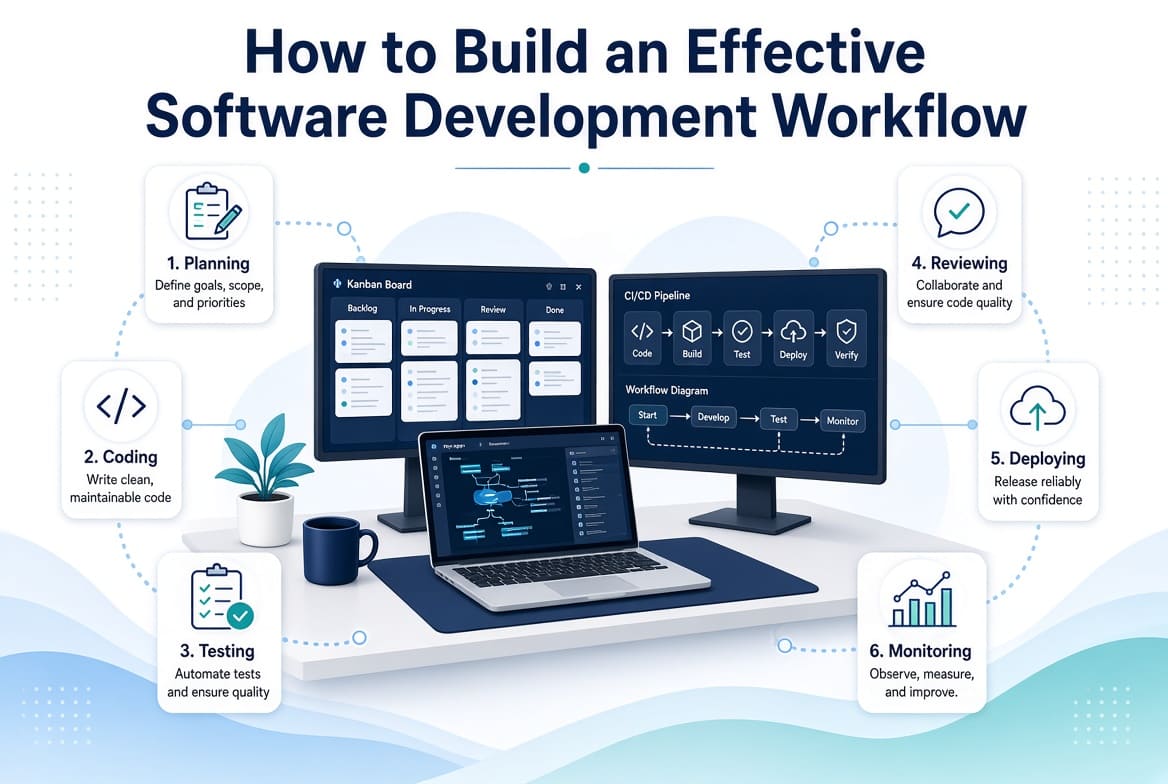
6. Establish a Consistent Development Process
Developers should not have to guess what happens after they finish coding.
Create a predictable process.
For example:
Requirement → Task → Development → Pull Request → Review → Testing → Staging → Approval → Production
The process can be adjusted to fit the organization.
What matters is consistency.
Microsoft's software engineering guidance similarly recommends standardizing development tools and processes around areas such as source control, planning, testing, documentation, and CI/CD.
If your business needs to formalize that process, see How to Build an Effective Software Development Workflow, which breaks the development lifecycle into practical stages from requirements through production.
7. Use Small, Clearly Defined Tasks
Large tasks create uncertainty.
Consider the difference between:
"Build the customer dashboard."
and:
"Create the customer dashboard API endpoint that returns account details, active subscriptions, and recent transactions."
The second task gives developers a much clearer starting point.
Break large features into smaller deliverables that can be developed, reviewed, tested, and released independently where possible.
This also gives managers better visibility into progress.
8. Make Code Review Part of the Culture
Code review should not be treated as a punishment or a final inspection.
It is a way for developers to share knowledge and catch problems before they reach production.
A good pull request should explain:
- What changed
- Why it changed
- How it was tested
- Any known limitations
- Screenshots where relevant
Reviewers should focus on meaningful issues rather than arguing endlessly about minor personal preferences.
Automated formatting and linting can handle many style-related issues.
That leaves human reviewers free to focus on architecture, correctness, maintainability, security, and business logic.
9. Automate Testing and Deployment
Manual processes are difficult to manage across distributed teams.
If developers have to remember ten steps every time they deploy, something should probably be automated.
Automate wherever practical:
- Tests
- Linting
- Builds
- Database checks
- Deployment
- Notifications
- Error reporting
The goal is not to automate everything.
The goal is to remove repetitive work and reduce avoidable mistakes.
10. Do Not Measure Productivity by Online Status
This is one of the most important remote-work practices.
A developer being online for eight hours does not tell you whether they produced valuable work.
Likewise, someone who spends three hours deeply solving a difficult architectural problem may be doing more valuable work than someone who spends an entire day responding to messages.
Focus on outcomes.
Useful indicators include:
- Completed work
- Delivery reliability
- Defect rates
- Pull request quality
- Lead time
- Deployment frequency
- Customer impact
- System reliability
Flow-based metrics such as lead time and deployment frequency can provide more useful insight into development performance than simplistic measures such as lines of code.
11. Protect Deep Work
Software development requires concentration.
Constant notifications and meetings make that difficult.
Businesses should create periods where developers can work without interruption.
That may mean:
- Fewer recurring meetings
- No-meeting blocks
- Asynchronous status updates
- Clear notification expectations
- Fewer unnecessary chat messages
A developer should not feel that they have to respond instantly to every message simply because they work remotely.
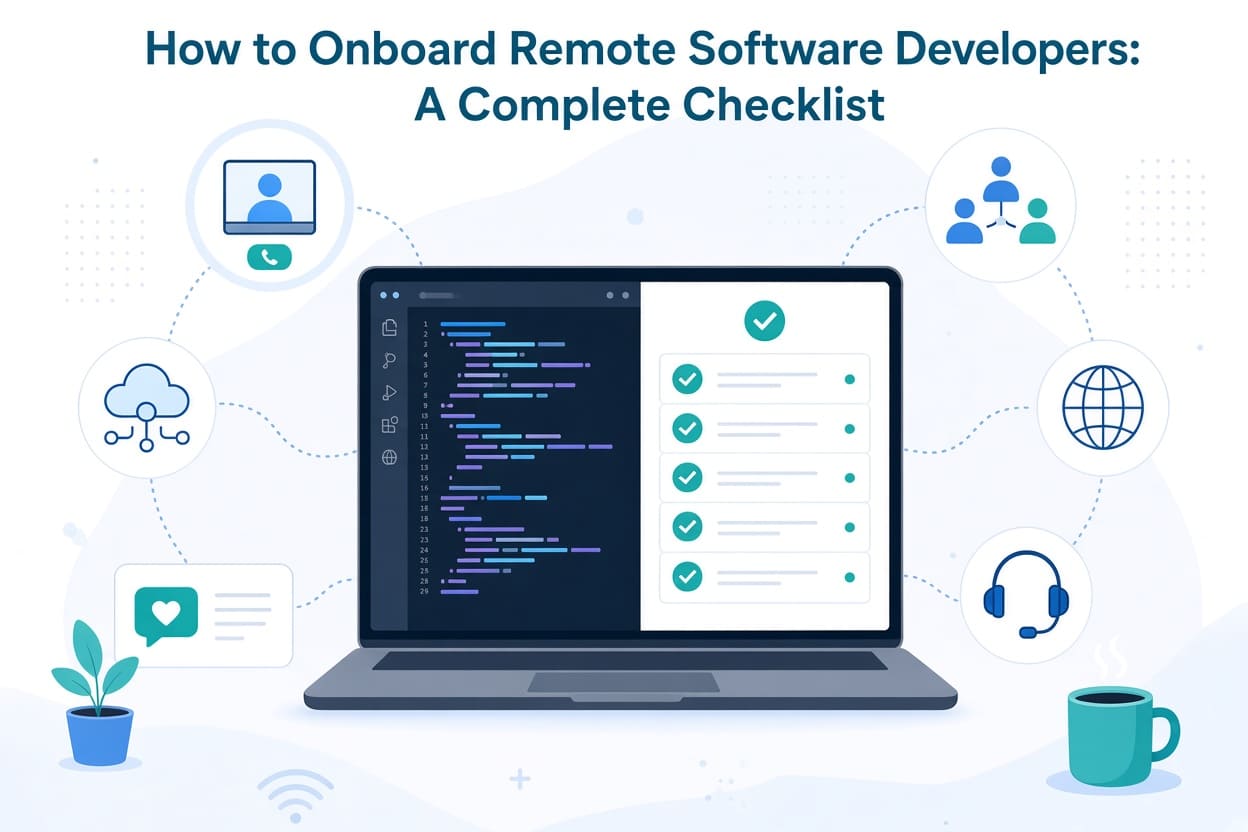
12. Invest in Onboarding
A developer's first few weeks can determine how quickly they become productive.
Prepare their:
- Accounts
- Repository access
- Development environment
- Documentation
- Project overview
- Coding standards
- Security requirements
- First task
- Team introductions
A dedicated onboarding process also prevents senior developers from repeatedly answering the same basic questions.
For a detailed implementation plan, see How to Onboard Remote Software Developers: A Complete Checklist.
13. Treat Security as a Development Requirement
Remote developers may connect to company systems from different locations, networks, and devices.
Security therefore needs to be built into the development process.
Businesses should establish:
- Multi-factor authentication
- Least-privilege access
- Secure credential storage
- Repository permissions
- Secret management
- Device security requirements
- Production access policies
- Access removal procedures
Never treat production credentials as ordinary text that can be pasted into a chat message.
Security should also be considered during architecture, development, testing, and deployment.
14. Make Documentation Part of the Work
Documentation is often postponed because everyone is busy.
That is understandable.
It is also expensive.
If only one developer understands how an important service works, the business has created a dependency on that person.
Document:
- Architecture
- APIs
- Deployment
- Infrastructure
- Critical business logic
- Integrations
- Troubleshooting
- Known limitations
The documentation does not have to be perfect.
It needs to be accurate enough to help another person understand the system.
15. Create a Reliable Feedback Loop
Remote teams need deliberate opportunities to discuss what is working and what is not.
A retrospective can ask:
What worked?
What caused problems?
What should we change?
What should we stop doing?
But the important part comes afterward.
If the team repeatedly identifies the same problem and management never changes anything, retrospectives become pointless.
Choose one or two improvements and actually implement them.
16. Plan for Handoffs
Remote teams often work across time zones.
That makes handoffs important.
A developer finishing work for the day should be able to leave a useful update:
Completed:
- API endpoint implemented
- Unit tests added

In progress:
- Payment webhook handling

Blocked:
- Waiting for test credentials

Next step:
- Complete webhook integration tomorrow
This is far more useful than:
"Still working on payments."
Good handoffs keep work moving without requiring everyone to be awake at the same time.
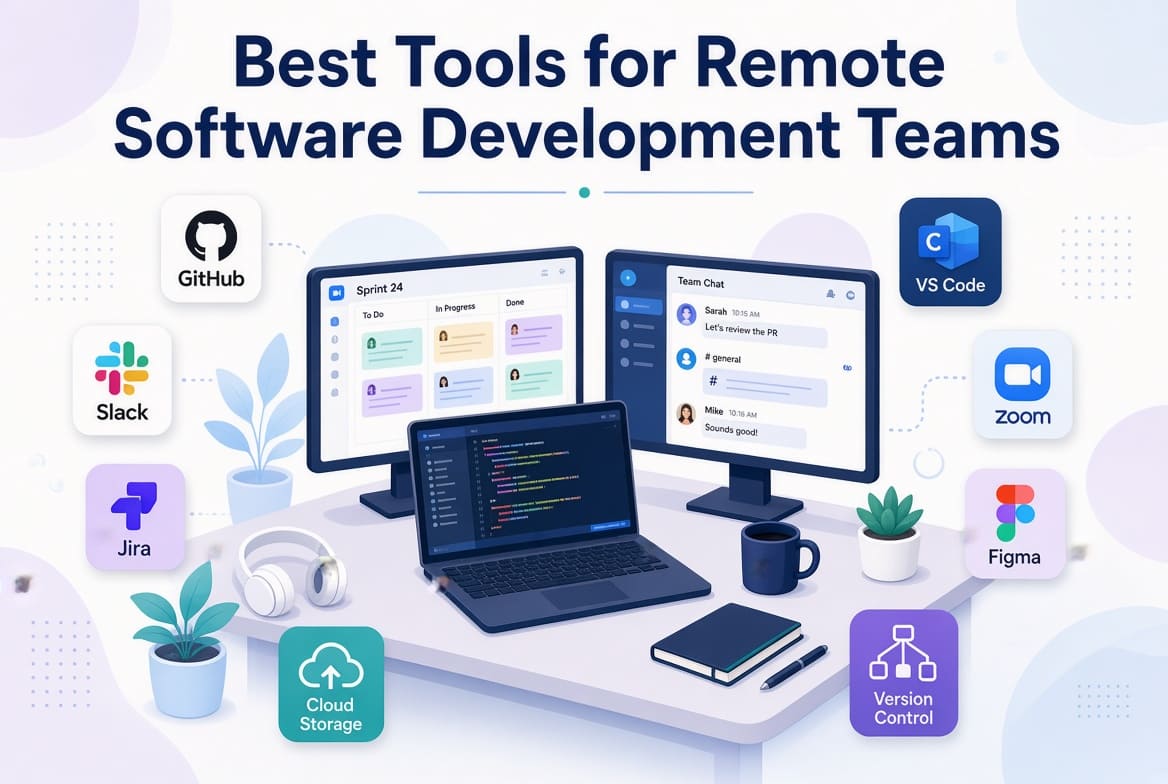
17. Choose Tools That Support the Process
Do not buy software simply because another company uses it.
Your tool stack should support your workflow.
A typical remote development stack may include:
- GitHub or GitLab
- Jira, Linear, or another project management platform
- Slack or Microsoft Teams
- Notion or Confluence
- Docker where appropriate
- CI/CD automation
- Monitoring and error tracking
- Video conferencing
Current software development tooling guidance increasingly emphasizes choosing a coherent toolchain rather than collecting disconnected products.
Choosing the right software is easier when each tool has a defined role in the development process. See our guide to Best Tools for Remote Software Development Teams for a practical breakdown of communication, project management, source control, documentation, CI/CD and monitoring tools.
What Businesses Should Avoid
Several habits consistently make remote development harder.
Micromanagement
Checking whether developers are online does not create accountability.
Clear work, deadlines, ownership, and quality standards do.
Too Many Meetings
If developers spend most of the day in meetings, development slows down.
Unclear Requirements
Developers cannot build what the business has not properly defined.
Changing Priorities Every Day
Constantly changing direction makes deadlines meaningless.
No Documentation
If important information exists only in people's heads, the organization is vulnerable.
No Testing
Moving quickly without testing often creates more work later.
Treating Security as an Afterthought
Security problems are much cheaper to prevent than to clean up after a breach.
Final Thoughts
Remote software development can work extremely well for businesses, but it requires deliberate systems.
The companies that make it work are not necessarily the ones with the largest engineering budgets.
- They are the ones that create clarity.
- Developers know what they are building.
- Managers know what is happening.
- Clients know what to expect.
- Technical decisions are documented.
- Code is reviewed.
- Testing is automated.
- Work can continue across time zones.
- And everyone understands who owns the next step.
The objective should not be to recreate an office through video calls.
Build a development environment that takes advantage of remote work: wider access to talent, flexible schedules, asynchronous collaboration, and the ability to build teams around skills rather than geography.
That requires good tools, but tools alone are not enough.
They need to sit inside a clear development process.
Related Articles