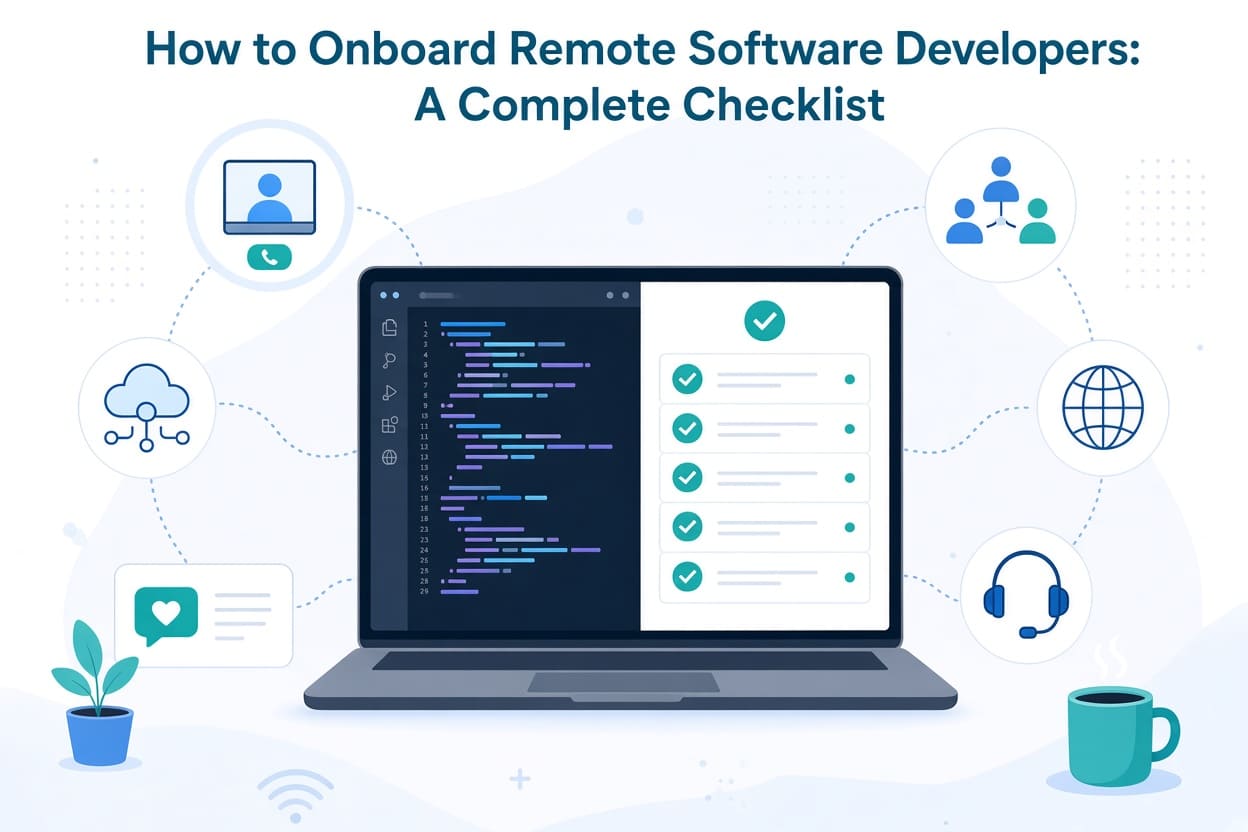
How to Onboard Remote Software Developers: A Complete Checklist
Hiring a remote software developer is only the beginning. The real work starts when they join your team.
A developer can have excellent technical skills and still struggle in their first few weeks if they do not know how your company works, where the code lives, who to ask for help, how decisions are made, or what is expected from them.
Remote onboarding makes this even more important. When developers work from different locations, you cannot rely on walking over to someone's desk to answer a quick question or explain how something works. Documentation, communication, access, and clear expectations have to do more of the work.
A well-planned remote developer onboarding process can help a new developer become productive faster while reducing confusion, repeated questions, security risks, and unnecessary meetings.
This complete checklist covers what to prepare before their first day, what to do during their first week, and how to help them become a productive member of the development team.
Why Remote Developer Onboarding Needs a Different Approach
Traditional office onboarding often depends on informal communication.
A new developer might learn how the team works by sitting beside another developer, listening to conversations, asking questions throughout the day, or observing how people solve problems.
Remote teams do not have that luxury.
Important information can easily become scattered across email, Slack or Teams messages, project management software, Git repositories, shared drives, and people's personal knowledge.
That creates a common problem: the new developer spends more time figuring out where to find information than actually doing development work.
Good remote onboarding solves this by giving the developer three things from the start:
- The access they need
- The information they need
- A clear understanding of what they are expected to accomplish
The goal is not to overwhelm someone with documentation. The goal is to remove unnecessary obstacles.
Remote Software Developer Onboarding Checklist
Before the Developer Starts
The most important onboarding work should happen before the first day.
There is little worse for a new developer than spending their first morning waiting for an account to be created or discovering that nobody knows how to give them access to the development environment.
1. Prepare Their Accounts and Access
Create or arrange access to everything they will reasonably need.
Your checklist may include:
- Company email
- Slack, Microsoft Teams, or other communication tools
- Project management software
- GitHub, GitLab, or Bitbucket
- Cloud platforms
- Development and staging environments
- Database tools
- Documentation systems
- Issue tracking systems
- Monitoring and logging platforms
- VPN, if required
- Password manager
- Design or product tools where applicable
Do not simply give a new developer access to everything.
Follow the principle of least privilege. Developers should receive the access required for their role, and additional permissions should be granted when there is a legitimate reason.
This is particularly important when your applications contain customer information, payment data, production credentials, or other sensitive information.
2. Prepare the Development Environment
One of the biggest sources of frustration during developer onboarding is getting the application running locally.
Before the developer starts, document exactly how to set up the project.
For example:
1. Clone the repository
2. Install required dependencies
3. Create the local environment file
4. Configure the database
5. Run database migrations
6. Seed test data
7. Start the application
8. Run the test suite
Document required versions as well.
If your project requires a particular version of PHP, Node.js, Python, Java, Docker, or another technology, state it clearly.
Also document common setup problems and their solutions.
A five-minute troubleshooting section can save a new developer several hours.
3. Create a Developer Onboarding Document
Create one central onboarding document instead of sending the developer a collection of unrelated links.
It should answer basic questions such as:
- What does the company do?
- What does the product do?
- Who is responsible for what?
- Where is the source code?
- How is the application structured?
- How do I run it locally?
- Where are tasks assigned?
- How do I report a problem?
- Who reviews pull requests?
- How are releases handled?
- Where is technical documentation stored?
- Who should I contact for different types of questions?
The document does not need to explain your entire company.
It simply needs to help a new developer find their way around.
The First Day
The first day should provide orientation, not information overload.
4. Give Them a Clear Welcome
Someone should personally welcome the developer.
Introduce them to the people they will work with and explain how the team communicates.
For a remote team, this matters more than it might appear.
A developer who does not know who to contact may hesitate to ask questions, particularly during their first few days.
Explain things like:
- Which communication channel is used for urgent issues
- Where normal questions should be posted
- How meetings work
- When people are generally available
- How quickly messages are expected to be answered
- How the team handles different time zones
Do not assume that "everyone knows how Slack works" means everyone understands your team's communication culture.
5. Explain the Product
A developer needs more than technical documentation.
They should understand what they are building and why it matters.
Give them an overview of:
- The product
- The target customers
- The main user journeys
- Important business processes
- Key features
- Major integrations
- Current priorities
For example, a developer working on an e-commerce platform should understand the journey from product discovery to checkout, payment, order processing, and fulfilment.
That context helps them make better technical decisions.
6. Introduce the Codebase
Do not expect a new developer to understand your architecture simply because they can read the code.
Give them a guided tour.
Explain:
- Repository structure
- Main applications
- Important services
- APIs
- Databases
- Authentication
- Third-party integrations
- Background jobs
- Testing
- Deployment process
Point out areas that are particularly sensitive or complex.
A short screen-sharing session can be extremely useful here.
The First Week
The first week should focus on learning the system and completing a small piece of real work.
7. Give Them a Small First Task
Avoid starting with the most complicated feature in the product.
A good first task should be:
- Real
- Useful
- Relatively low risk
- Small enough to complete
- Representative of your development process
For example, this could be a minor bug fix, documentation improvement, small UI change, test improvement, or straightforward API update.
The purpose is not merely to produce code.
It lets the developer experience your complete workflow:
Task → Development → Testing → Pull Request → Code Review → Changes → Merge → Deployment
That experience is extremely valuable.
8. Pair Them With an Onboarding Buddy
Give the developer a specific person they can approach with questions.
The onboarding buddy does not necessarily need to be their manager.
Their job is to help with practical questions such as:
"Where can I find this?"
"How does the team normally handle this?"
"Who owns this service?"
"Is this expected behaviour?"
This prevents the new developer from feeling like every question requires a formal meeting with their manager.
9. Explain Your Git Workflow
Every development team has slightly different habits.
Explain yours explicitly.
Cover:
- Branch naming
- Commit conventions
- Pull requests
- Code reviews
- Required tests
- Merge rules
- Release branches
- Hotfixes
- Deployment procedures
Also explain what makes a good pull request in your organisation.
Do not make developers discover these rules through failed reviews.
Security Should Be Part of Onboarding
Remote access introduces additional security considerations.
10. Cover Security Expectations
Your onboarding checklist should explain:
- Password requirements
- Multi-factor authentication
- Password manager usage
- Device security
- SSH key management
- API credentials
- Environment variables
- Production access
- Handling customer data
- Secure file sharing
- Reporting suspected security incidents
Never send production credentials casually through chat.
Developers should also understand which information must never be committed to Git.
That includes:
- API keys
- Database passwords
- Private keys
- Authentication secrets
- Production configuration
- Customer credentials
Security should not be treated as a separate training exercise months after someone joins.
It should be part of the developer's first understanding of how your company operates.
The First 30 Days
The first month should gradually move the developer from learning to ownership.
11. Establish 30-Day Expectations
Give the developer measurable objectives.
For example:
Week 1
Understand the product, development environment, architecture, and team workflow.
Week 2
Complete small development tasks with support.
Week 3
Take ownership of moderately sized tasks.
Week 4
Handle development work with increasing independence.
The exact milestones will depend on the developer's experience and your project.
The important thing is that they know what successful onboarding looks like.
12. Schedule Regular Check-Ins
Remote developers can sometimes appear productive while quietly struggling.
Regular one-on-one meetings help identify problems early.
Ask practical questions:
- What is still unclear?
- Is anything blocking your work?
- Is the documentation accurate?
- Are you getting enough context?
- Is there anything you cannot access?
- What part of the codebase is still difficult to understand?
- What would have made your first week easier?
These questions are more useful than simply asking, "How is everything?"
13. Review Their Progress
At the end of the first month, review the onboarding process with the developer.
Look at:
- Tasks completed
- Technical areas learned
- Outstanding knowledge gaps
- Quality of code reviews
- Understanding of the product
- Ability to work independently
- Remaining access or tooling issues
This should be a two-way conversation.
Ask the developer what should be changed in the onboarding process for the next person.
New developers often notice documentation problems that existing employees have stopped seeing.
Common Remote Developer Onboarding Mistakes
Even well-intentioned companies make onboarding harder than it needs to be.
Giving Too Much Information on Day One
You do not need to explain the entire architecture, company history, product roadmap, and every internal process in one meeting.
Give information when it becomes relevant.
Assuming Developers Will Figure Everything Out
Experienced developers are good at solving technical problems.
That does not mean they should have to reverse-engineer your company's processes.
Having Outdated Documentation
Nothing damages confidence in documentation faster than instructions that no longer work.
Make documentation part of your development process.
When a developer discovers that something is wrong, update it.
No Clear First Task
"Look around the codebase and let us know if you have questions" is not a good onboarding plan.
Give the developer something concrete to accomplish.
Too Many Meetings
Remote teams can easily compensate for the lack of physical interaction by creating too many video calls.
Documentation and asynchronous communication should handle information that does not require a meeting.
No Single Source of Truth
If the onboarding instructions are partly in email, partly in Slack, partly in someone's personal notes, and partly in an old Google document, the developer will struggle.
Create a central location for important information.
A Practical Remote Developer Onboarding Checklist
Use the following checklist as a starting point:
Before Day One
- Create company email
- Create required software accounts
- Configure repository access
- Configure development environment access
- Set up MFA
- Provide security guidelines
- Share onboarding documentation
- Document local development setup
- Assign an onboarding buddy
- Schedule introductory meetings
- Prepare the first development task
Day One
- Welcome the developer
- Introduce the team
- Explain communication channels
- Explain working hours and time zones
- Explain the product
- Explain development workflow
- Walk through the codebase
- Confirm development environment works
- Explain Git workflow
- Answer initial questions
Week One
- Complete first development task
- Submit first pull request
- Complete code review
- Run tests successfully
- Learn deployment process
- Understand key architecture
- Meet key team members
- Identify missing documentation
- Hold an onboarding check-in
First 30 Days
- Take ownership of increasingly complex tasks
- Demonstrate understanding of the product
- Become familiar with important services
- Reduce dependency on onboarding support
- Review progress with manager
- Collect feedback on onboarding
- Update onboarding documentation
Final Thoughts
Good remote developer onboarding is not about creating a giant employee handbook.
It is about making the first few weeks predictable.
A new developer should know what to access, what to learn, who to ask, what to build, and what success looks like.
The strongest onboarding processes also improve over time. Every question a new developer asks can reveal a missing piece of documentation. Every unnecessary delay can reveal a process that needs improvement.
Treat those discoveries as opportunities to improve the system.
If your company regularly hires remote software developers, create one onboarding checklist, keep it updated, and make it part of your standard hiring process. The next developer should not have to start from zero.
The objective is simple: remove friction so developers can spend less time figuring out the organisation and more time building valuable software.
Related Articles