Best Tools for Remote Software Development Teams
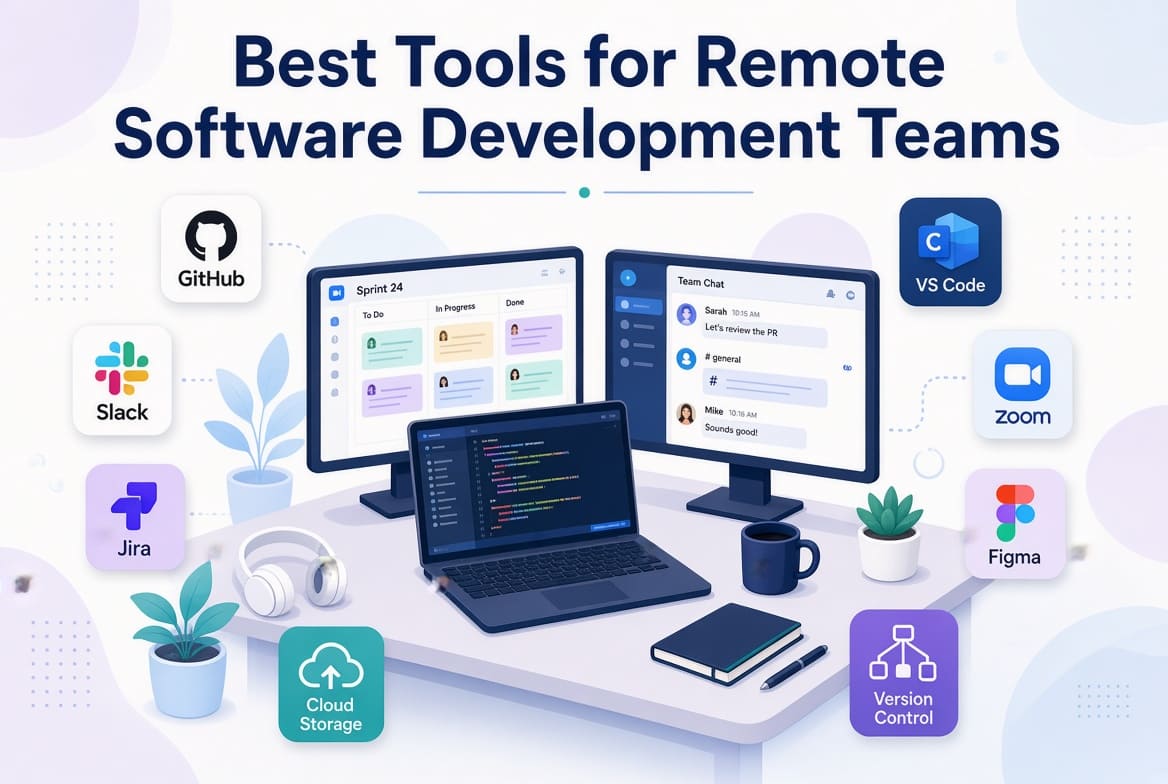
A remote software development team does not need dozens of applications to work effectively. In fact, adding too many tools can make remote collaboration harder.
The real challenge is choosing a small set of tools that covers the important parts of development: communication, project planning, source control, code review, documentation, testing, deployment, monitoring, and day-to-day collaboration.
For a distributed team, the tools also need to work well asynchronously. A developer should be able to understand what happened while they were offline. Someone working from anywhere in the world should be able to review a pull request without waiting for a meeting. A project manager should be able to see what is blocked without asking every developer for an update.
That is what makes a good remote software development tool stack different from simply buying a collection of popular applications.
What Should a Remote Development Tool Stack Include?
Before choosing specific products, think about the work your team needs to perform.
A typical remote development environment needs tools for:
- Team communication
- Project and task management
- Source control
- Code review
- Documentation
- Development environments
- Testing
- CI/CD
- Monitoring and error tracking
- Design and technical collaboration
- Video meetings and screen sharing
Microsoft's guidance on software development operations also recommends standardizing important practices around tooling, source control, documentation, testing, and CI/CD rather than allowing every team or developer to invent their own process.
The exact tools can vary. The important thing is that the pieces work together.
1. GitHub or GitLab for Source Control
Every development team needs a reliable place for source code.
GitHub and GitLab are two of the most widely used options for repositories, pull requests or merge requests, issue tracking, permissions, and development automation.
For a remote team, source control is more than a place to store code.
It becomes part of the team's communication system.
A developer can open a pull request and explain:
- What changed
- Why it changed
- What was tested
- What remains to be done
- Anything reviewers should pay particular attention to
That information remains available after the developer goes offline.
This is particularly useful for teams working across different time zones.
2. Slack or Microsoft Teams for Communication
Remote developers still need somewhere to communicate, but not every conversation needs to become a meeting.
Slack and Microsoft Teams are common choices.
A useful structure is to create channels around areas of work rather than allowing every discussion to happen in one general chat.
For example:
#engineering
#frontend
#backend
#product
#customer-support
#incidents
#releases
The exact structure depends on the organization.
The important rule is to make conversations easy to find later.
Do not use chat as the permanent home for important technical decisions.
If a decision affects the architecture, product requirements, security, or development process, move the final decision into your documentation system.
3. Linear, Jira, or GitHub Issues for Project Management
Remote teams need visibility into work.
Developers should not have to ask their manager every morning what they should work on.
Tools such as Linear, Jira, and GitHub Issues can be used to manage tasks, bugs, milestones, priorities, and product work.
The choice depends heavily on the organisation.
A small product team may prefer a lightweight system such as Linear.
A larger organisation with complex workflows may benefit from Jira's extensive configuration.
A team already using GitHub for everything may prefer GitHub Issues to avoid adding another platform.
The best project management system is usually the one your team will actually keep updated.
4. Notion or Confluence for Documentation
Documentation becomes much more important when people cannot simply walk over to a colleague's desk.
Your documentation system should contain information developers regularly need.
Examples include:
- Product documentation
- Architecture decisions
- API documentation
- Development setup
- Coding standards
- Deployment procedures
- Troubleshooting guides
- Security procedures
- Onboarding information
- Frequently asked technical questions
A useful rule is simple:
If a developer has to ask the same question repeatedly, document the answer.
This gradually turns individual knowledge into team knowledge.
It also makes onboarding new developers much easier.
5. VS Code and JetBrains IDEs for Development
Your development environment matters, but standardizing every developer's editor is not always necessary.
Visual Studio Code is popular because it is lightweight and supports a large ecosystem of extensions.
JetBrains provides specialized IDEs such as IntelliJ IDEA, PyCharm, WebStorm, PhpStorm, and others.
The important consideration for a team is consistency around the things that affect the codebase.
For example, standardize:
- Language versions
- Formatting rules
- Linters
- Testing commands
- Required extensions where necessary
- Debugging configuration
- Environment setup
Developers can usually choose their preferred editor as long as the resulting code follows the team's standards.
6. Docker for Consistent Development Environments
"Works on my machine" is one of the oldest problems in software development.
Remote teams can make this worse because developers may be using different operating systems and local configurations.
Docker can help create more consistent development environments.
A project might define its application, database, cache, and supporting services in configuration files that developers can use to reproduce the environment locally.
This can significantly reduce setup problems.
It also makes onboarding easier because a developer can follow a documented process rather than manually installing dozens of dependencies.
Docker is not a requirement for every project, however. A small application does not necessarily need a complicated container architecture.
Use it when it solves a real problem.
7. GitHub Actions or GitLab CI/CD
Remote teams benefit enormously from automation.
Instead of relying on a developer to remember every step before merging or deploying code, automate repeatable checks.
A CI/CD pipeline might:
- Install dependencies
- Run linting
- Run unit tests
- Run integration tests
- Build the application
- Perform security checks
- Deploy to staging
- Require approval before production
This makes the delivery process more predictable.
It also means developers can work asynchronously without waiting for another team member to manually perform routine checks.
8. Sentry and Other Monitoring Tools
A remote development team needs good visibility into what is happening after software reaches users.
Error monitoring tools such as Sentry can help developers identify application errors and investigate problems without needing direct access to a user's computer.
Larger systems may also use platforms such as Datadog or other observability solutions to monitor:
- Application performance
- Infrastructure
- Logs
- Errors
- Database performance
- Availability
Monitoring becomes particularly valuable when developers are distributed across time zones.
A problem occurring at 2 a.m. for one developer does not have to remain invisible until they wake up.
9. Zoom or Google Meet for Conversations That Need a Meeting
Remote development does not mean eliminating meetings completely.
Some conversations are simply easier face-to-face.
Use video meetings for things such as:
- Architecture discussions
- Complex troubleshooting
- Planning
- Project kickoffs
- Retrospectives
- One-to-one meetings
- Pair programming
But avoid using meetings to communicate information that could easily be written down.
A three-paragraph project update does not need a 30-minute meeting.
10. Loom for Technical Walkthroughs
Recorded screen demonstrations can be extremely useful for remote teams.
Instead of scheduling a meeting to explain a complicated workflow, a developer can record a short walkthrough.
For example:
"Here is how the payment webhook works."
A five-minute recording can show the actual process much more clearly than a long series of chat messages.
These recordings are particularly useful for onboarding, support procedures, product demonstrations, and explaining complicated bugs.
Remember to keep important permanent information in written documentation rather than relying entirely on videos.
How to Choose the Right Tools
Do not choose tools because they appear on every "best tools" list.
Start with your team's problems.
Ask:
What currently slows us down?
If developers cannot find information, improve documentation.
If tasks disappear between conversations, improve project management.
If deployments are inconsistent, improve CI/CD.
If developers constantly struggle with local setup, consider standardized development environments.
If production problems take hours to diagnose, improve monitoring.
This approach is much more useful than simply adding another application.
A Simple Remote Development Stack
A small software company could start with something like:
Communication: Slack or Microsoft Teams
Project management: Linear, Jira, or GitHub Issues
Source control: GitHub or GitLab
Documentation: Notion or Confluence
Development: VS Code or JetBrains
Environment: Docker where appropriate
CI/CD: GitHub Actions or GitLab CI
Monitoring: Sentry or another suitable monitoring platform
Video: Google Meet or Zoom
This is more than enough for many teams.
As the organization grows, additional tools can be introduced when a genuine need appears.
The Biggest Mistake: Too Many Tools
A remote team can actually become less productive after adopting more software.
Imagine a developer receiving:
- Tasks in Jira
- Requirements in Notion
- Discussions in Slack
- Code in GitHub
- Design files in Figma
- Deployments in another dashboard
- Customer feedback in email
- Decisions in meetings
The problem is not the individual tools.
The problem is that nobody knows where the final answer lives.
Create clear rules.
For example:
Slack: conversations
Jira/Linear: work
GitHub: code
Notion/Confluence: durable knowledge
CI/CD: automated delivery
Monitoring: production health
This simple separation can eliminate a surprising amount of confusion.
Final Thoughts
The best tools for remote software development teams are not necessarily the newest or most expensive ones.
A good stack creates a clear path from an idea to working software.
Someone defines the work. The team discusses it. A developer writes the code. The code is reviewed. Automated checks run. The application is deployed. Monitoring tells the team whether it works properly.
The tools should support that process rather than become the process.
Start with the smallest practical stack, establish clear rules for how each tool is used, and add new software only when it solves a real problem.
A well-organized team using eight well-integrated tools will usually have a better experience than a team using twenty-five disconnected applications.
Related Articles